
Multi-cloud file manager
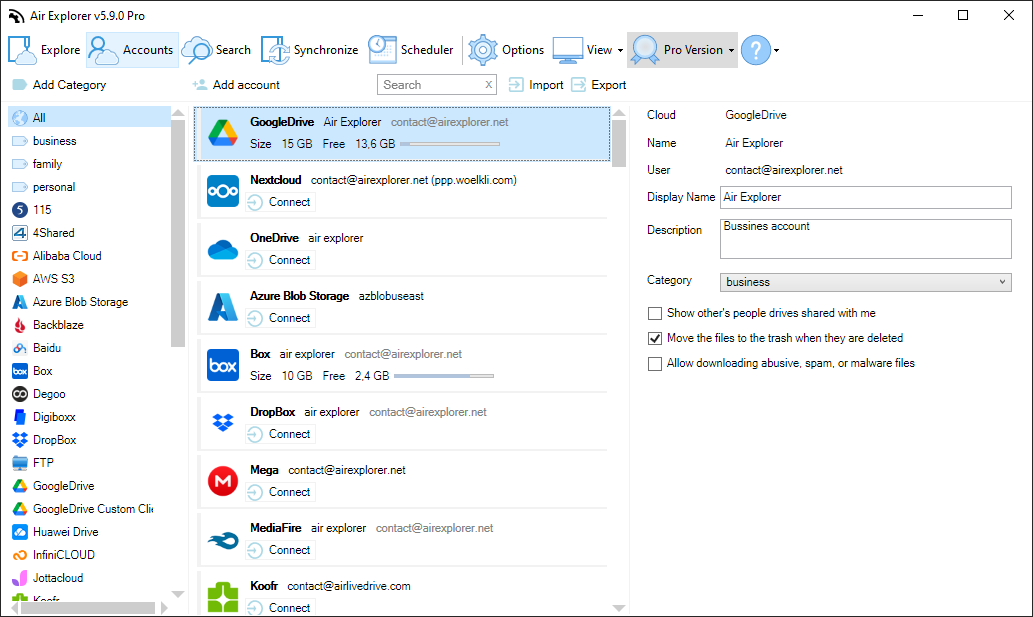
Manage unlimited accounts from Google Drive, OneDrive, Dropbox, S3 & 50+ services in one app.
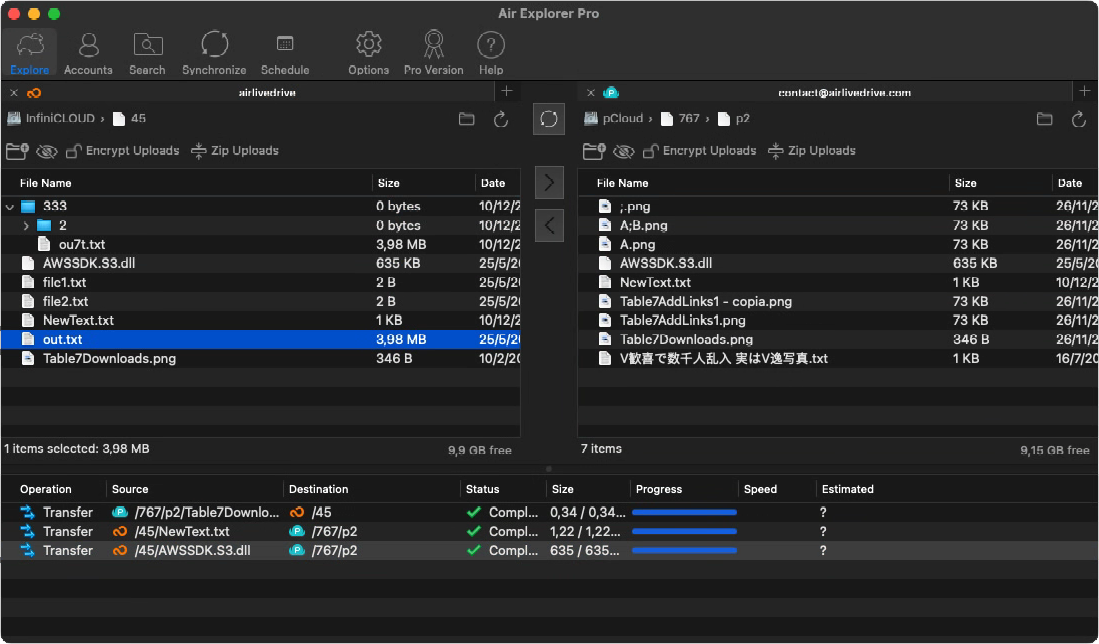
Cloud-to-cloud transfers
Drag & drop between clouds (Google Drive to Dropbox) or PC-cloud with no data limits.
Automated Sync & Backups with scheduler
Program cloud syncs or use CLI for custom scripts to manage your files automatically
File encryption
Encrypt content & filenames in the cloud for maximum privacy and security.
Windows & Mac app
Unlimited Cloud Transfers
Drag files from your PC to any cloud, or transfer directly from Google Drive to Dropbox, without saving anything locally. It’s the fastest way to move your data across any of the 50+ cloud services Air Explorer supports.
Your privacy, guaranteed: encrypt file content and filenames before upload. Without your password, your files are unreadable.
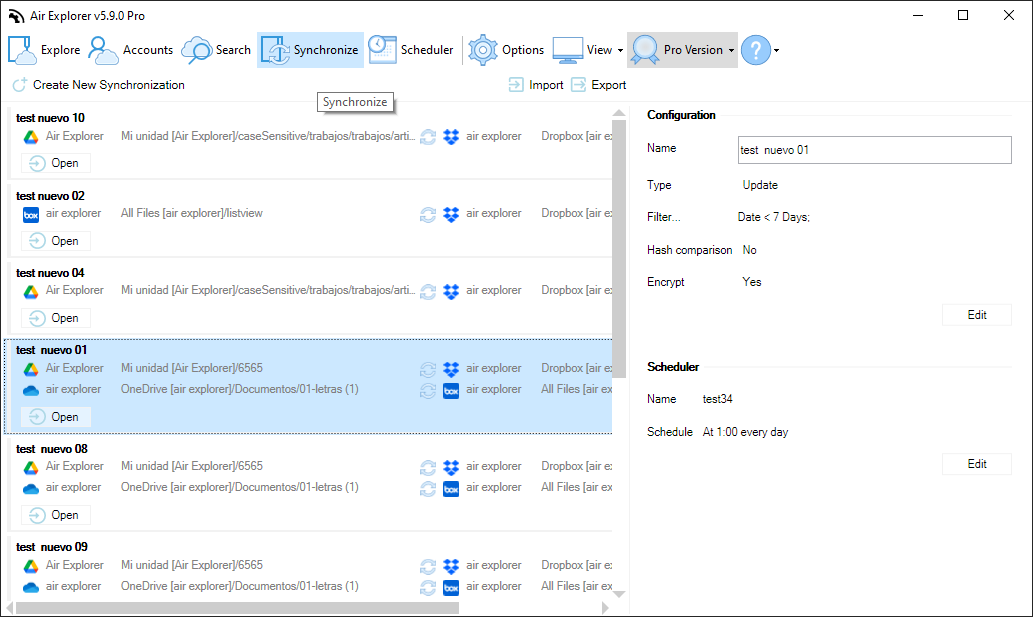
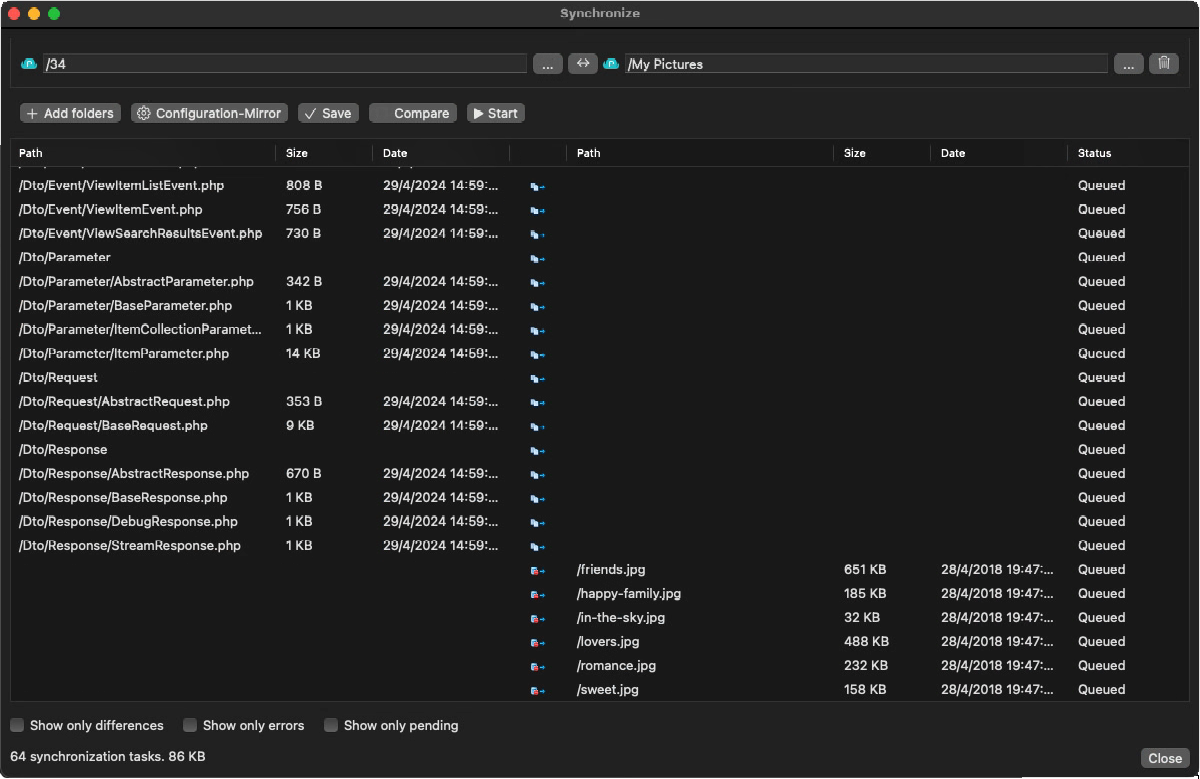
Advanced Multi-Cloud Synchronization
Keep your files in sync across all your clouds, automatically. Air Explorer lets you sync folders between different cloud services (OneDrive ↔ Dropbox, Google Drive ↔ S3) or between your PC and any cloud, without lifting a finger once it’s set up.
Choose mirror or bidirectional sync mode and run multiple sync tasks at the same time, the simplest way to keep your cloud backups always up to date.
One App, Every Cloud Feature You’ll Ever Need
What Can You Do with Air Explorer?
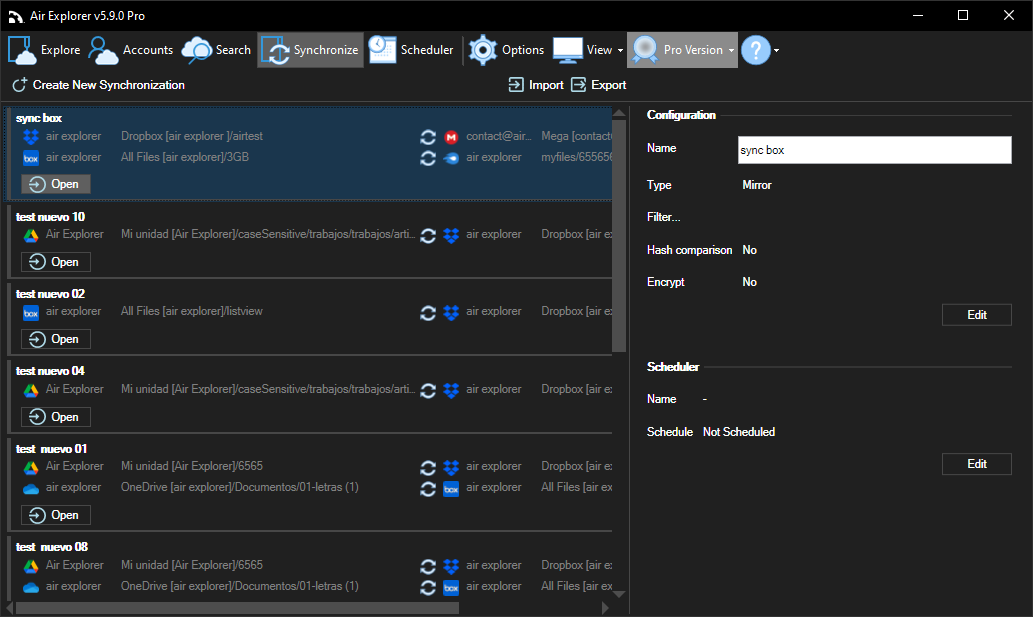
CLOUD SYNC
Cloud Sync & Backup
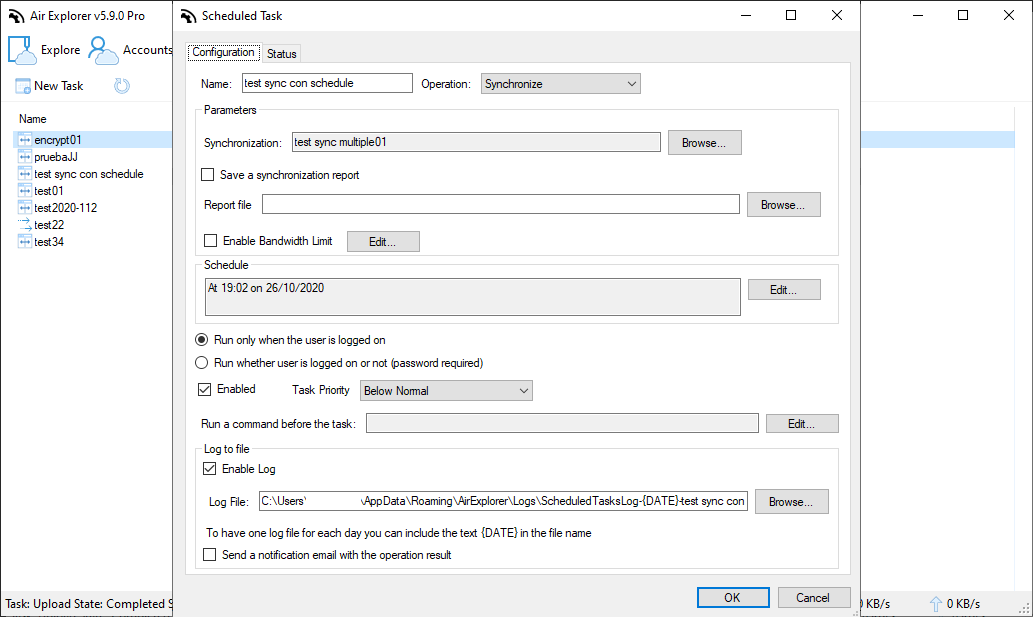
TASK SCHEDULER
Automated Schedules for Transfers, Syncs & Backups
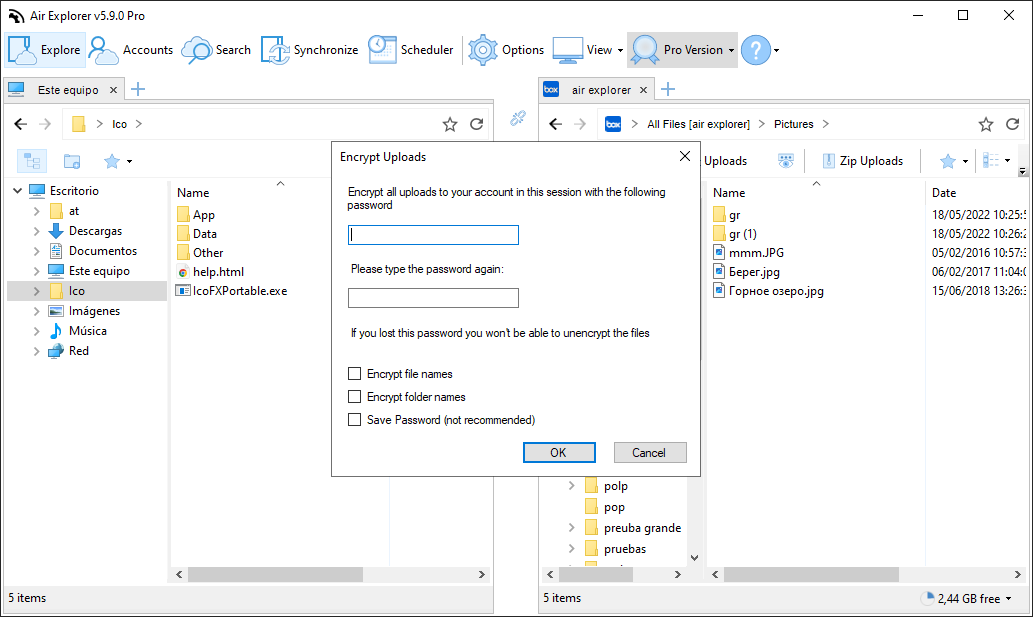
FILE ENCRYPTION
Encrypt Files on Cloud Upload
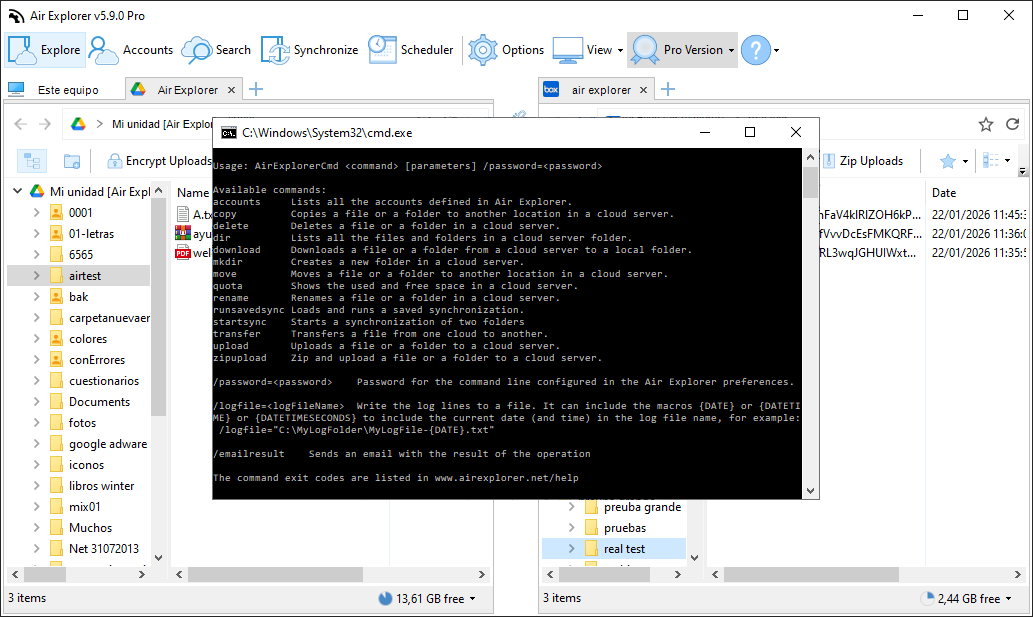
COMMAND LINE
Command Line Tool for Cloud Automation
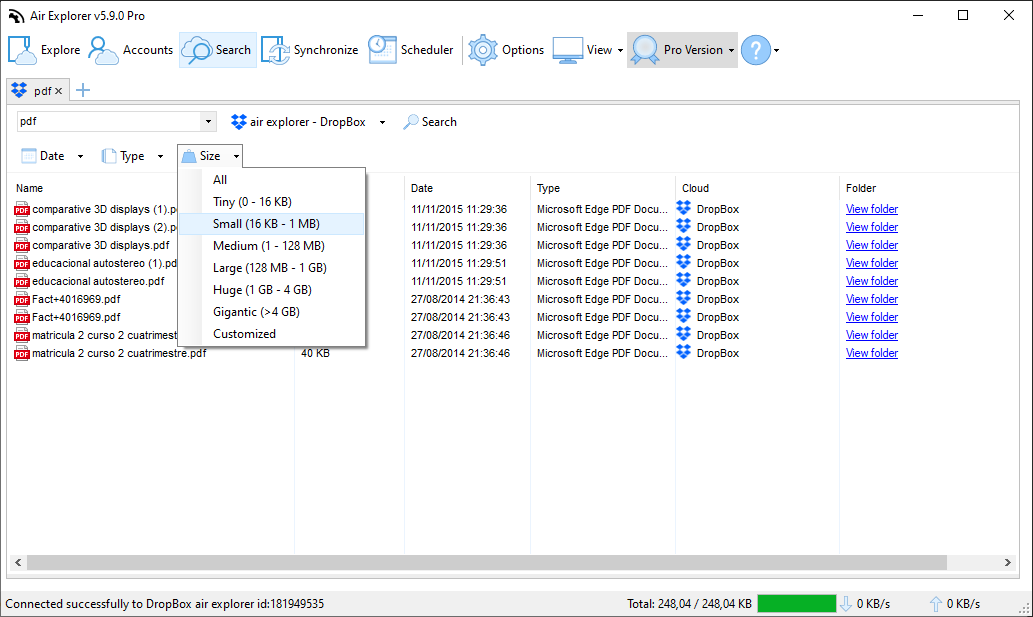
CLOUD SEARCH
Unified Search Across All Your Clouds
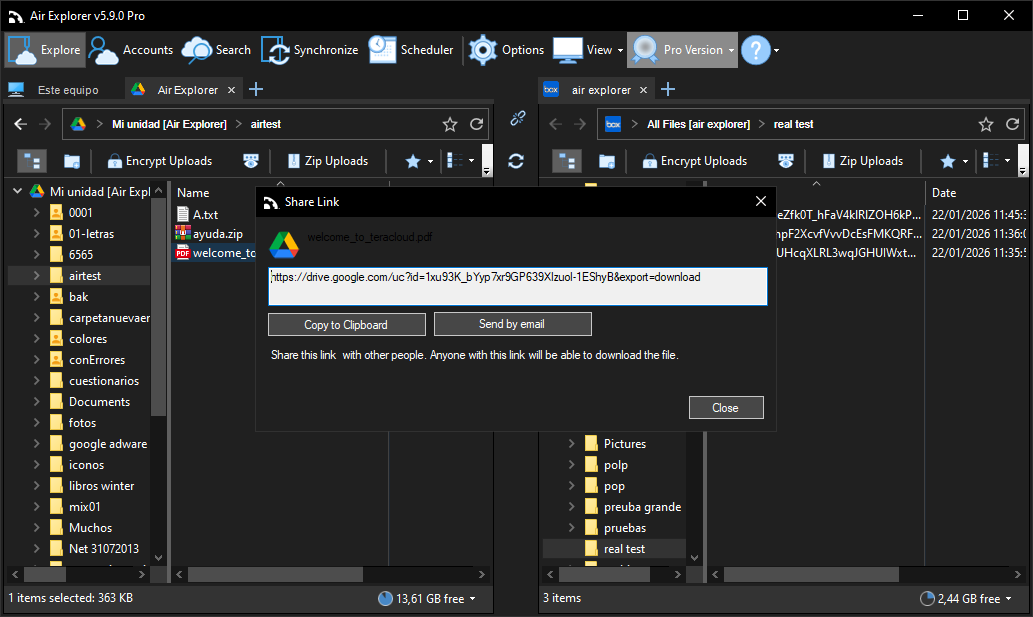
SHARE LINKS
Share & Collaborate Directly from Clouds
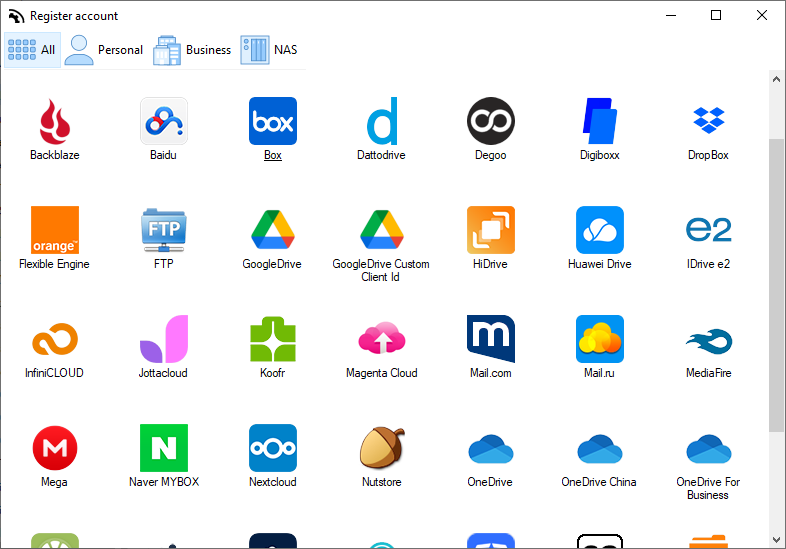
Air Explorer supports the best online cloud storage services:
OneDrive, OneDrive for Business, OneDrive for China, Google Drive, 4shared, Box, Mediafire, Yandex, Baidu, Naver, Dropbox, Hidrive, pCloud, Mail.ru, Mega, WebDAV, Mail.com, Adrive, Magenta Cloud, Stack Storage, Datto Drive, SharePoint Online, SharePoint China, S3, AWS S3, Wasabi, Opendrive, Koofr, Backblaze, Owncloud, Nextcloud, Infinicloud, Jottacloud, Huawei, Orange Flexible Engine, Onlime.dk, Nutstore, Degoo, Alibaba Cloud, Aliyundrive, Idrive e2, Azure Blob Storage, TeraBox, Digiboxx, PikPak, iCloud, Drime, FTP and SFTP.
Complete your experience

Air Cluster
Connect your cloud and get a complete visual breakdown of everything taking up your space.
learn more

Air Cloud Analyzer
Connect your cloud and get a complete visual breakdown of everything taking up your space.
learn more